01 / What makes it useful
Recognise known passes on the device
The app checks its saved pass records first, so every familiar pass does not need a fresh server lookup. Unknown passes are checked with the server and saved for next time.
 Get in touch
Staff & events · Access management · Deployed in Lagos
A clear answer at the gate.
A record after every visit.
Loveworld Security helps guards check who may enter a staff area or event using a QR pass. Administrators manage permissions, while each entry and exit leaves a record the team can review.
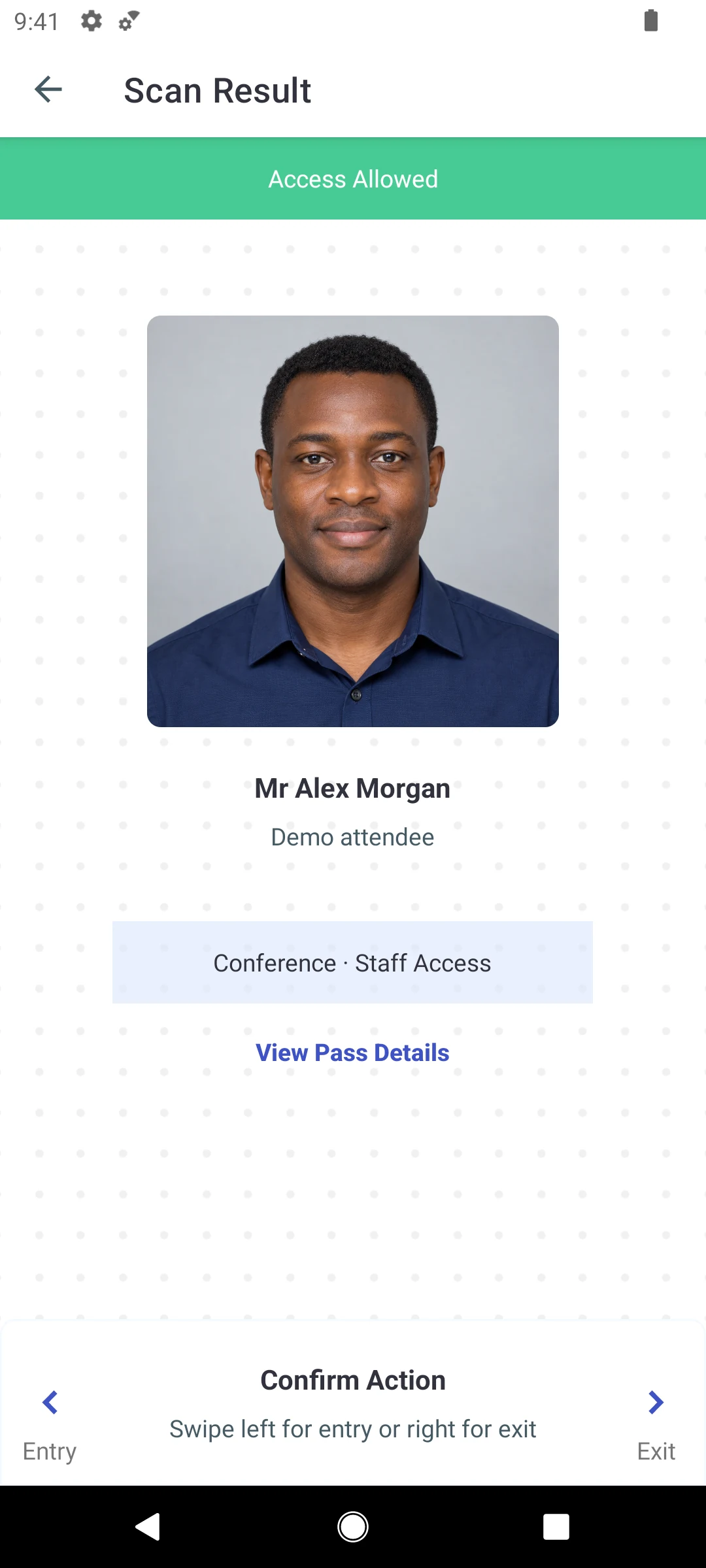
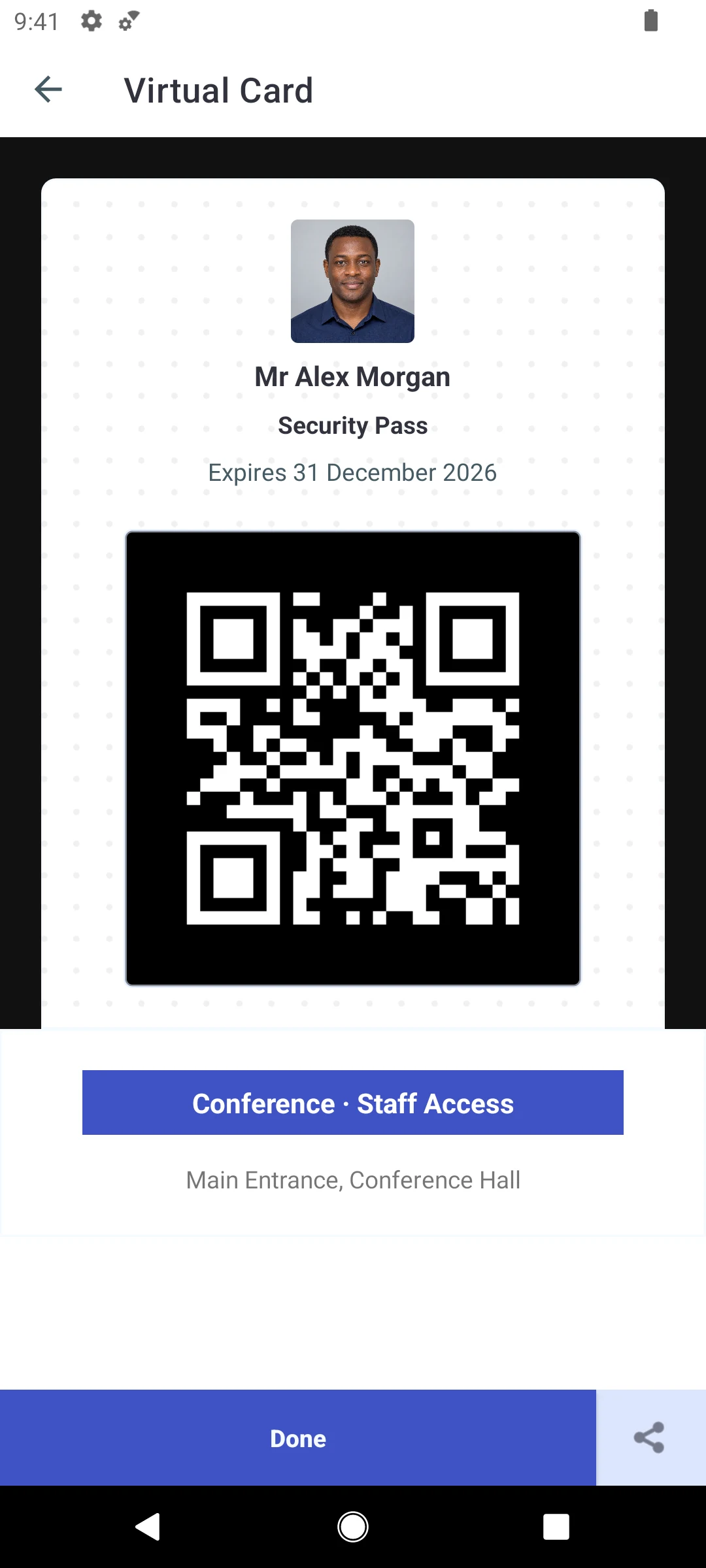
Inside the Android app
App layouts captured in the emulator with fictional demo data and an AI-generated attendee portrait. The scanner and access decision are simulated; the QR code is not a valid pass.
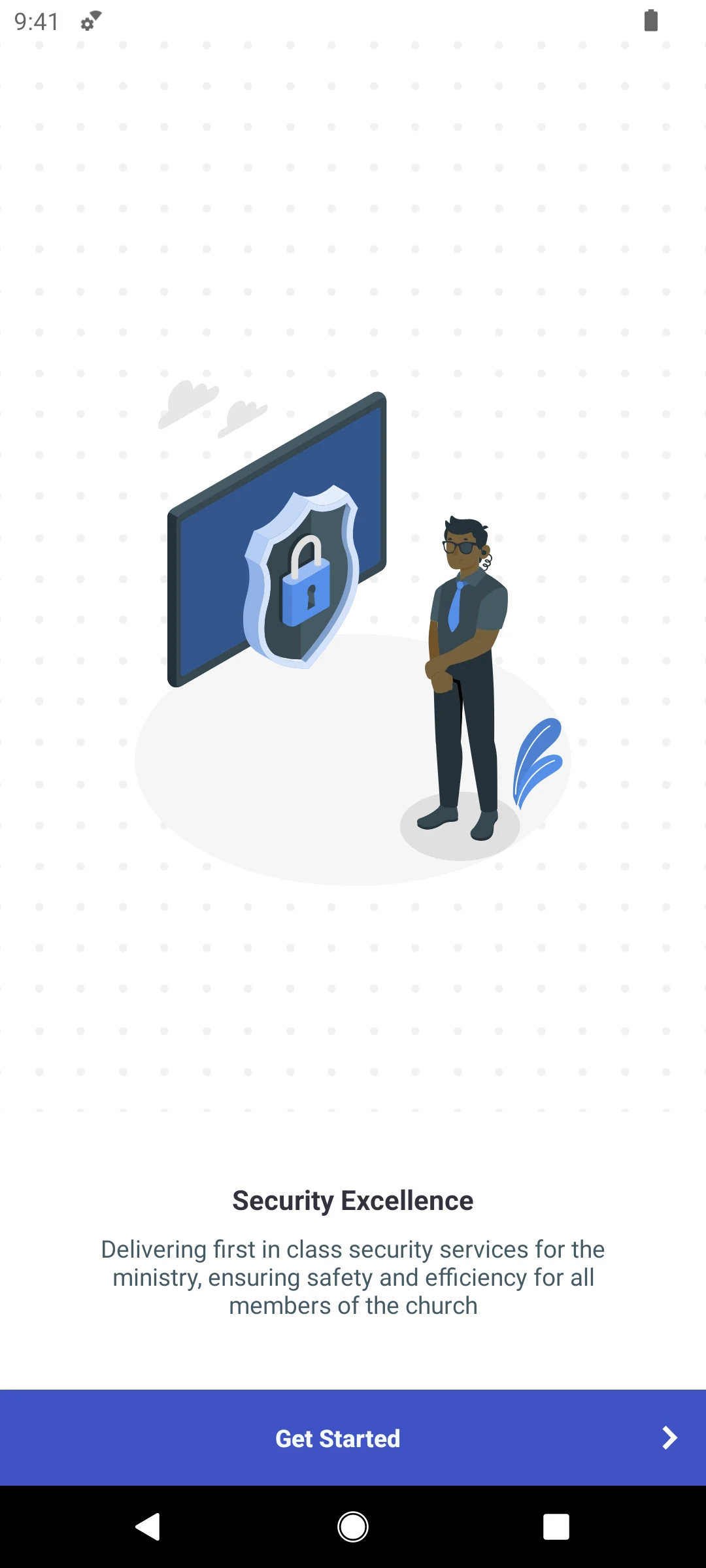
A clear introduction to the security app.
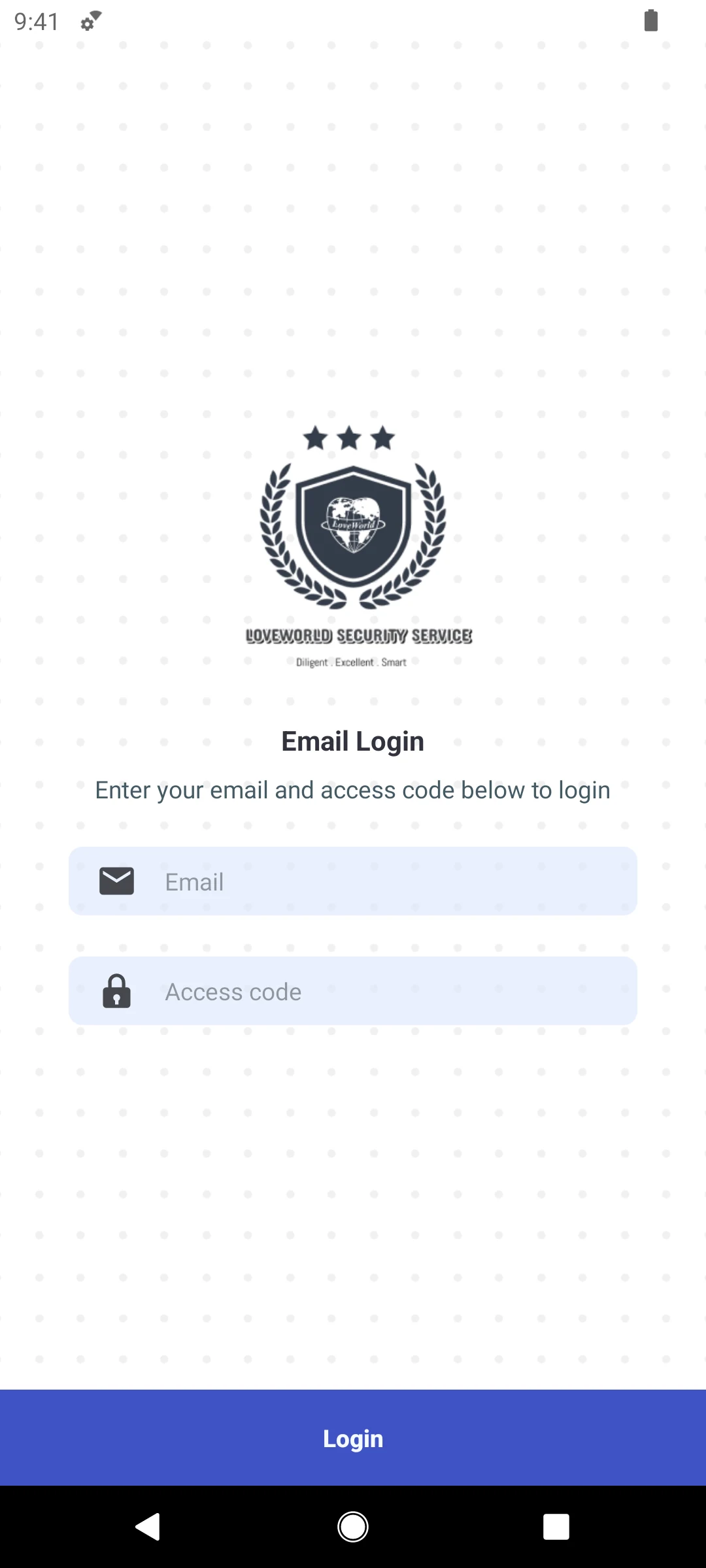
Email and access code sign-in.
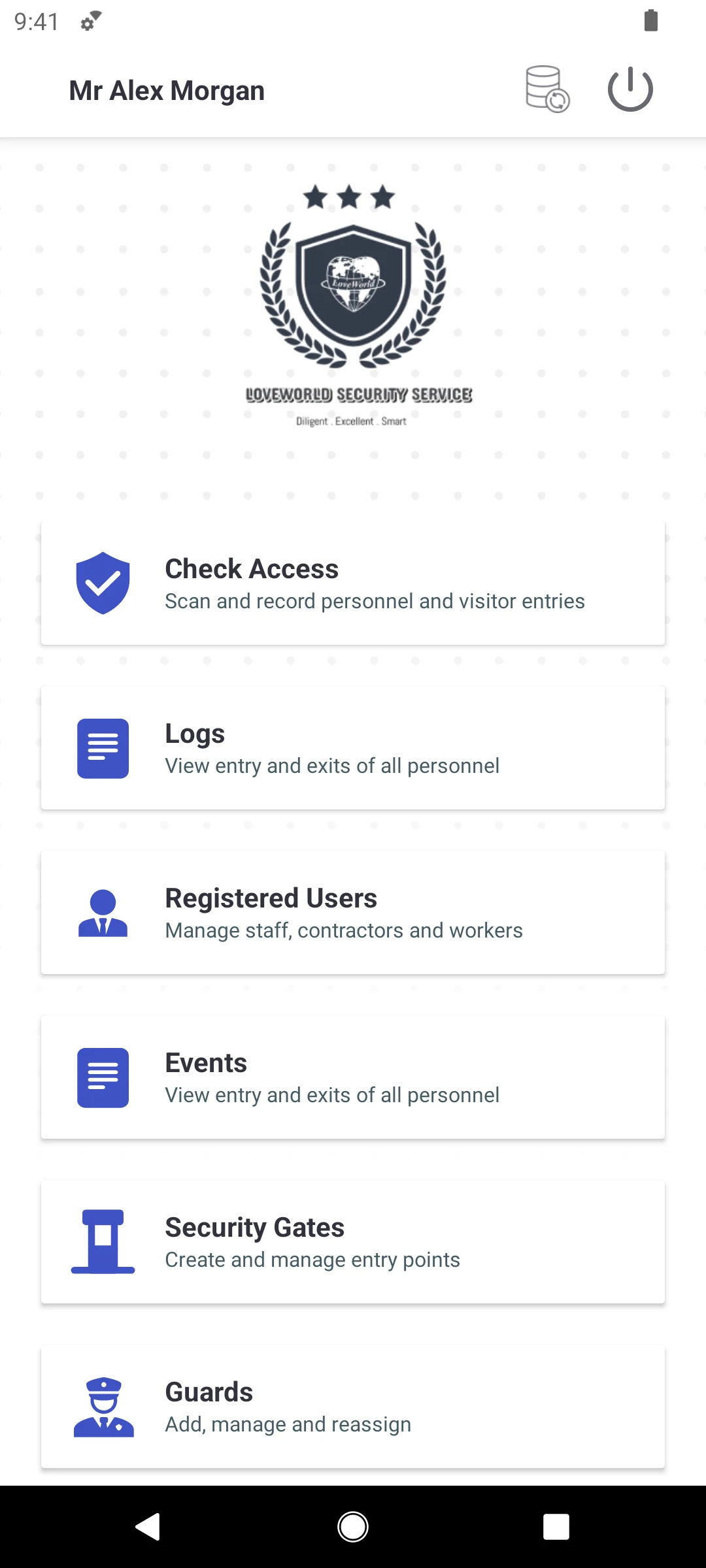
Access checks and daily administration in one place.
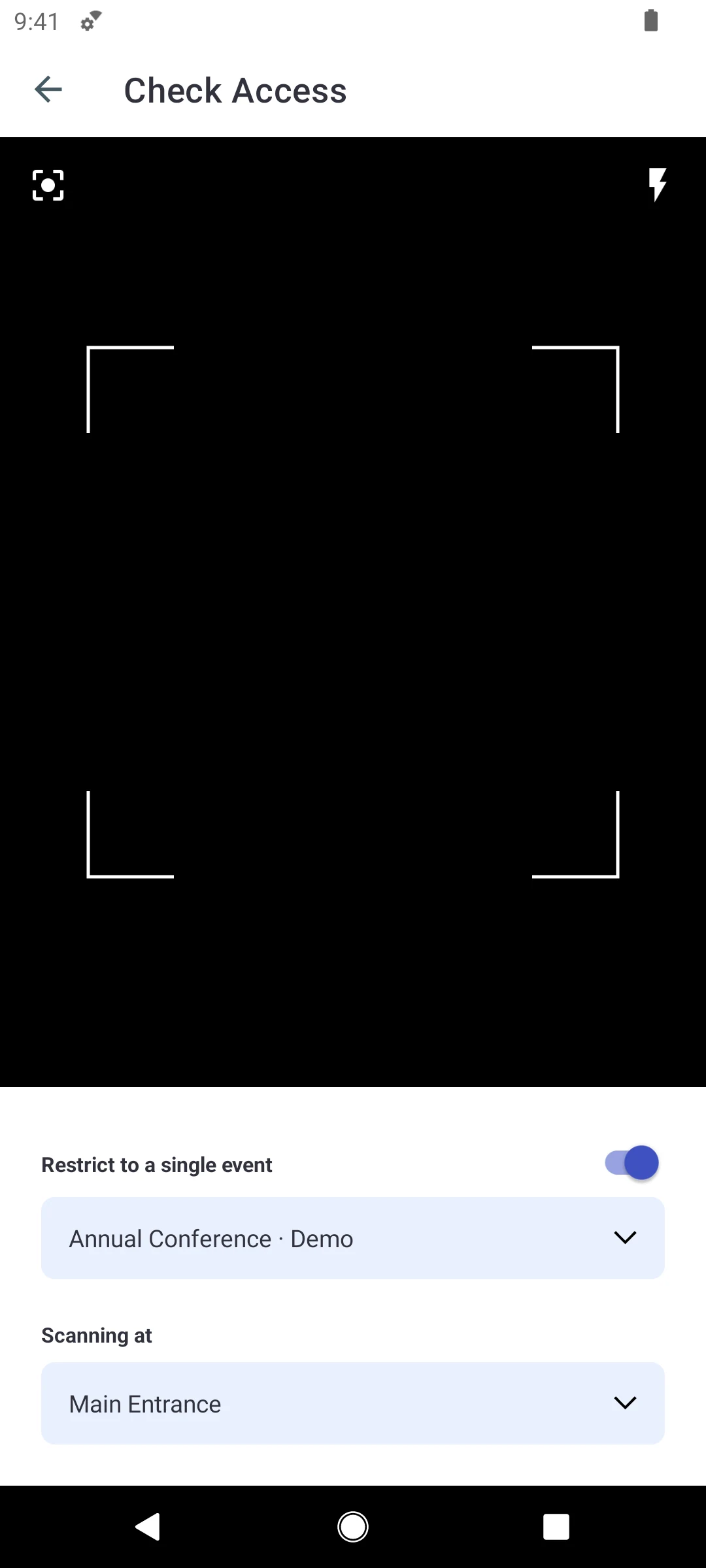
Choose the event and checkpoint before scanning.
See the access decision before recording entry or exit.
A virtual card with a QR code and permitted areas.
01 / What makes it useful
The app checks its saved pass records first, so every familiar pass does not need a fresh server lookup. Unknown passes are checked with the server and saved for next time.
02 / What makes it useful
The guard can see whether a pass is expired, belongs to another event or lacks permission. That gives them something useful to explain to the person waiting.
03 / What makes it useful
Devices receive changes to passes, events and permissions and send back access logs. Administrators and guards work from a connected set of records.
Give security staff the information they need at the checkpoint, and administrators a clearer view of access.
A guard scans the QR code to see whether the holder is allowed in, with a reason if access is denied.
Register attendees and issue passes for the event and areas they are permitted to enter.
Group permissions so different staff and attendees can be given access to the appropriate areas.
Staff profiles include photographs and departments to support identification.
Access records identify the pass, guard and checkpoint, giving administrators a history to review.
A one-time code checks the phone number during account verification.
Architecture
Hover or tap a component to trace its connections.
QR credential tied to an event, its permissions and an expiry
Scanning, passes, events, guards and logs on Android
Guards, users, events, passes, logs and OTP verification
Sign-in, runtime configuration and field crash reports
Checks event, permission and expiry, and names the failed check
Synced passes, events, permissions and pending logs on the device
The system of record administrators review
Technology stack
Next project